How to practice with YouTube videos: solve one problem at a time
Understanding a demonstration is not the same as playing it yourself. Before you press play, choose what you want to work on today: a position change, two bars of rhythm, or the transition into the next phrase. Watch that passage, practise it, then put it back into the whole phrase. You needn't restart the video for every attempt.
Paste the YouTube link into Stairway2Fast. If the video plays here, you can loop it and choose a slower playback setting in your browser; the available rates depend on YouTube's player. Practice tracking is free and needs no account; the video still plays through YouTube's own embedded player, without a download.
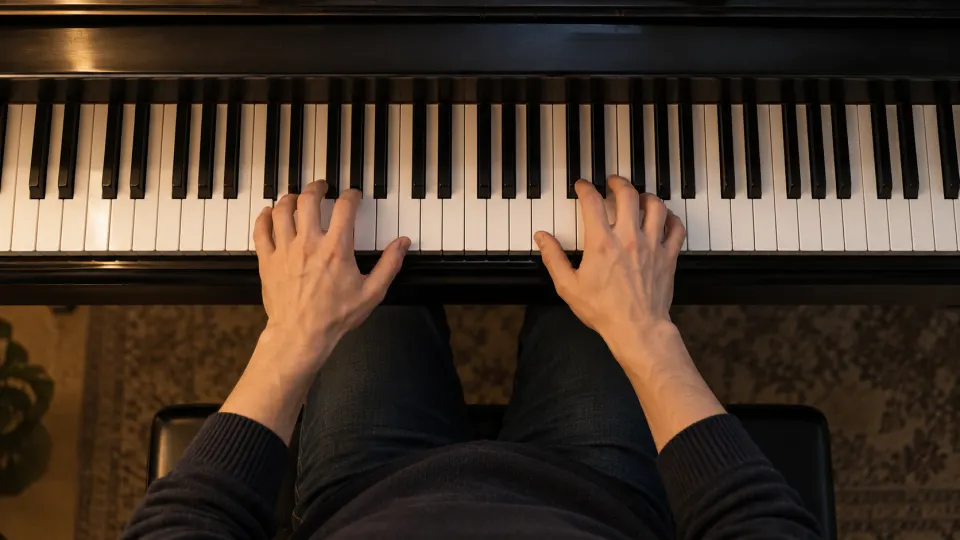
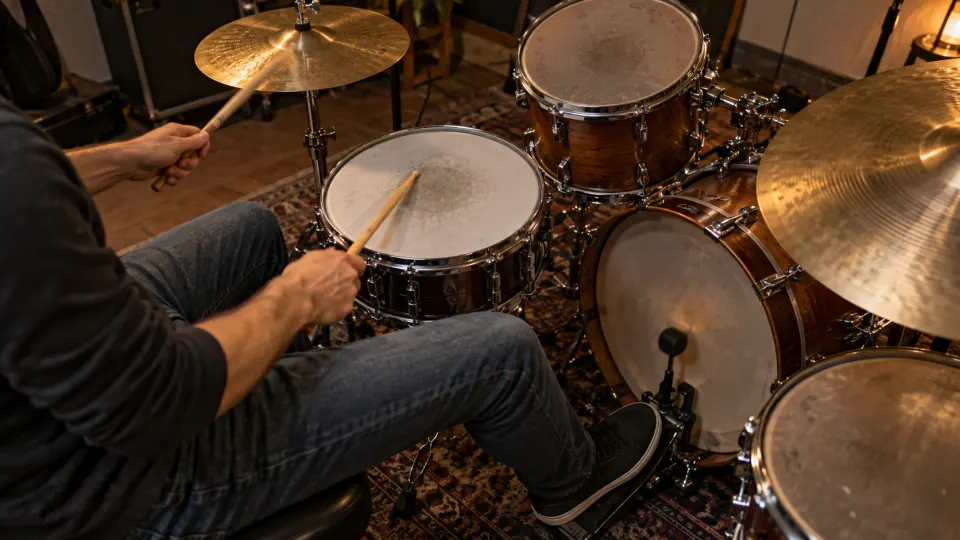
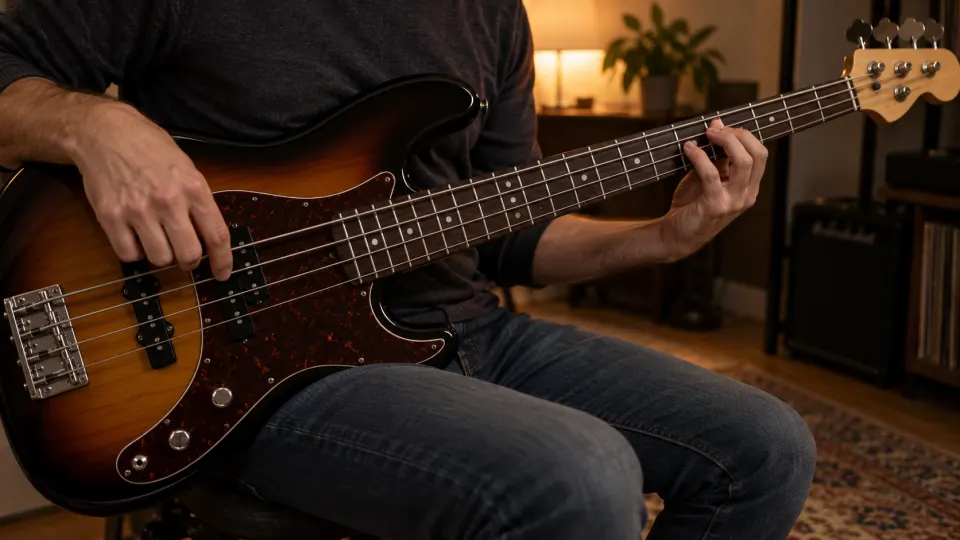
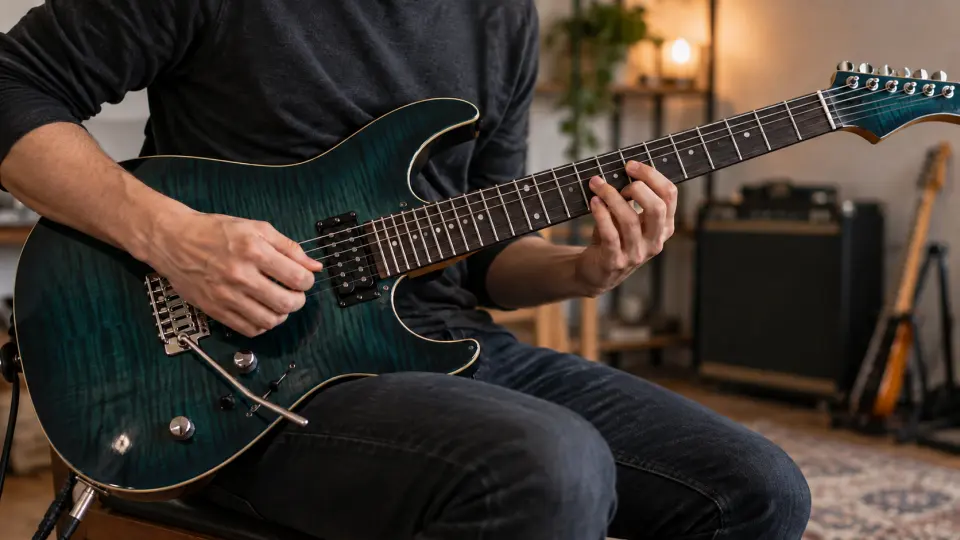

A useful order for one practice session
- Choose a problem you can check. Watch or listen to the passage once and identify where you lose it. “I rush the beat before the chorus” gives you a clearer next step than “learn the whole song.” If a lesson covers several techniques, take one at a time.
- Include the way into and out of the hard part. Frame the passage with a beat or a few notes before the problem, plus its exit. A loop of only the mistaken note may teach an isolated move that doesn't connect to the phrase. Set the two loop handles and repeat the section; how to loop a YouTube section covers the controls.
- Observe first, then try it slowly. Slow the video enough to hear the rhythm or see the movement. Listen for the accents, watch the motion, pause to try it alone, then play along. You don't have to keep up on every pass. Pitch is generally preserved when slowing playback, though very low speeds can change the sound's texture; see slowing music without changing pitch.
- Reconnect the phrase. Once the short loop feels steady, increase speed gradually and widen the range. Being able to enter from the previous phrase and reach the next is a better check than repeating the hardest two seconds in isolation. Building playing speed explains when to step back and when to check at the original speed.
- Leave yourself a starting point for tomorrow. Note which beat still needs work. This video's current range and speed remain as its Practice mode settings in this browser. To keep several sections separately, give each loop a name and save it. Practice records show the time the video actually plays and the speed setting used; the app does not listen to your performance or judge correctness.
What two days with one video might look like
Suppose a lesson shows a transition around 1:12, but you keep losing the beat going into the next phrase. On day one, loop a short passage on either side. Slow it down to hear the entry, pause and try it yourself, then practise along with the loop. If the same beat still fails, shorten the range without removing its lead-in. When that works, join the previous and following phrases and check again near the original speed.
On day two, begin with yesterday's range and speed instead of searching for 1:12 again. If the transition holds, choose another goal. If it doesn't, break down the rhythm or movement further. The record can show which section you practised, at what setting, and for how long.
When to change your approach
The same mistake survives several repetitions: Don't speed up yet. Shorten the loop, work out that beat or movement, then restore the lead-in. If the camera angle hides what you need to see, use a clearer reference rather than replaying an unclear view.
The short section works, but the join fails: Widen the loop from the previous phrase into the next. Slow down again if needed. More repetitions of the isolated section won't necessarily fix the transition.
You aren't sure what to practise today: Reopen a recent item in your library, or let Review mode choose from the material you've saved.
Free practice and moving between devices
If the YouTube video plays here, looping, slowing and practice records are free, with no Pro subscription or registration required. As a guest, this video's current range, speed and practice history are primarily kept in this browser. A free account can carry your practice records between devices. Practising with your own audio or video files is a separate route and requires a free account to add files.
If your own recording is in the wrong key for singing or playing along, you can transpose its playback pitch independently of speed. The original audio of an embedded YouTube video cannot be transposed here.
Frequently asked questions
Does watching the video count as practice time?
Time the video actually plays in Practice mode enters the practice record, including time spent observing or listening.
Must a loop be exactly two bars long?
No. Keep it short enough to address one problem, but long enough to include how you enter and leave it. The right length depends on your instrument, tempo and goal.
What if I still can't keep up after slowing it down?
First ask whether the rhythm is unclear, the movement is hard to see, or the movement itself is difficult. Pause and imitate, shorten the passage or slow it further. Simply letting the same loop play may not solve the problem.
Where do I start when I return tomorrow?
This video's current range and speed remain in its Practice mode settings in this browser. Name and save a section if you want it as a separate entry under saved loops. A free account lets practice records follow you between devices.
Choose the guide for your next practice task
- Follow a performance: use the guides for guitar, bass, drums or ukulele. For movement rather than notes, see dance practice with a video.
- Listen or build an accompaniment: learn a song by ear, make a chord backing track or separate tracks from a permitted local file. Coming from an older desktop tool? The Riffstation replacement guide explains which practice tasks are covered and which are not.
- Work with a voice: practise singing one phrase or use a spoken video for language listening. Both start with a short loop and return to normal speed.
- Keep a lesson worth revisiting: write a note for the whole video and name its important passages so you can return to the right explanation without searching through the timeline.
- Show someone what you are practising: share a YouTube loop by link or QR code, or share a practice recap image.
Paste a YouTube lesson or demonstration you want to practise. If it plays here, choose one difficult passage: watch it, frame it, slow it down, work it through, then reconnect the phrase.