Practise drums with video: count, loop, rejoin beat one
Watching a fill is easy; bringing it back into a steady groove is the challenge. With a drum video, first locate the kick, snare and hi-hat in the count. Then loop the bar before a fill, the fill itself and the next bar's first beat. Practice Mode can repeat and slow that passage so you can check the order of the limbs.

Count first, then watch the movement
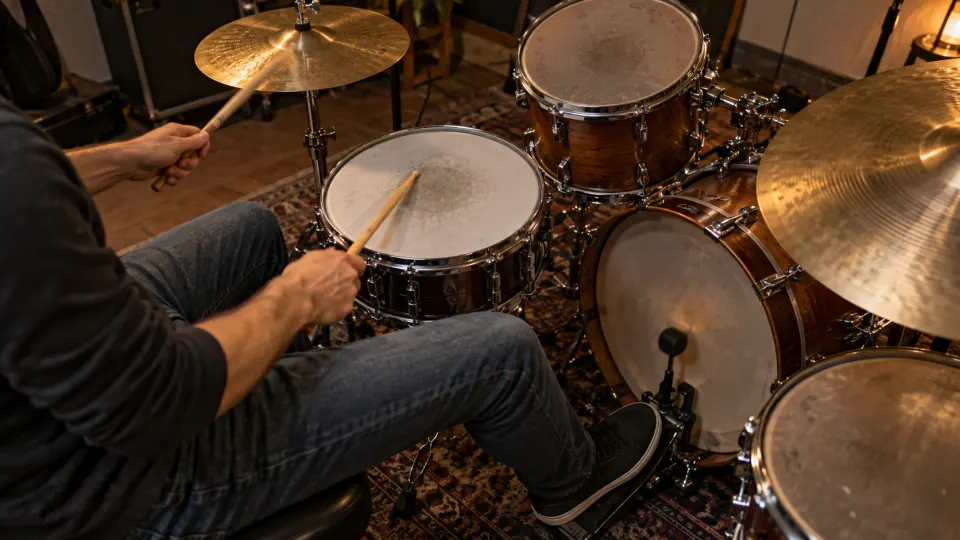
Choose a drum cover or lesson where the main drum sounds are clear and you can see enough of the kit. Count eighth notes as “1 and 2 and 3 and 4 and”. Start with the kick and snare framework, then follow the hi-hat pulse. A raised stick has not yet made a sound: confirm the beat by listening. If the camera misses the foot, don't pretend it shows the kick-pedal action.
The separate illustrative score is an original four-bar 4/4 exercise: eighth-note hi-hat, snare mainly on beats two and four, kick around beats one and three, and a short variation at the end. It is a playable example, not a transcription of the video.
Don't loop only the fill
- Keep a bar of groove as the lead-in. That gives you a pulse to enter from. A loop made only of fast notes may miss the transition you actually need to practise.
- Separate the limbs, then put them back together. Keep a basic hi-hat or foot pulse while you check the snare path; add the other limbs again. Slow playback clarifies the order, but it need not become the only speed at which you can play the groove.
- Cross the next downbeat. The goal is to bring kick and hi-hat back on the next bar's “1”. Set the loop end just after that beat so you can hear whether the return happened.
For sixteenth notes, say “1 e and a” before deciding whether this pass is about sticking, accents or dynamics. Footage helps you inspect stick path and height, but tone also depends on where and how hard you strike. If the same transition keeps failing, shorten the loop to the troublesome beats, then widen it again.
Return to a speed that still grooves
Once the order is clear at a lower speed, test the loop near its original speed. If the snare accent moves or the pulse slips, step back to a controllable speed. Gradual speed training can raise playback speed after a number of loops; it also works with YouTube video and needs no local recording. Practice Mode remembers this video's loop range and last-used speed.
Actual elapsed playback time enters this video's practice record; it does not assess your playing. Named loops can separate several weak spots. For the full workflow, see how to practise with YouTube videos.
What is free, and what the video cannot do here
Looping, slowing, saving loops and practice records are free without signup for YouTube videos that permit embedding. Playback-speed options depend on YouTube's player. The app does not extract a drum track from the video.
FAQ
Where should I put the loop around a fill?
Include a steady beat before the fill and the next bar's first beat after it. If the transition still fails, narrow the loop to the offending beats before widening it again.
How do I know the fill returns to the groove?
Let the loop cross the next downbeat and hear whether kick and hi-hat land back in the original pulse.
Choose a drum demonstration with clear timing. Loop one groove or fill transition, count it, then bring it back to beat one.