Practise ukulele with video: strums, chord changes and picking
Find the pulse before copying the finger shape. With a ukulele video, the sticking point may be a strumming hand that stops during a chord change, or a picking sequence that falls apart at speed. Loop a few beats around the change and slow the video when you need to see the motion. Then return to a speed where the pulse still feels steady.

Count the silent strokes as well as the sounded ones
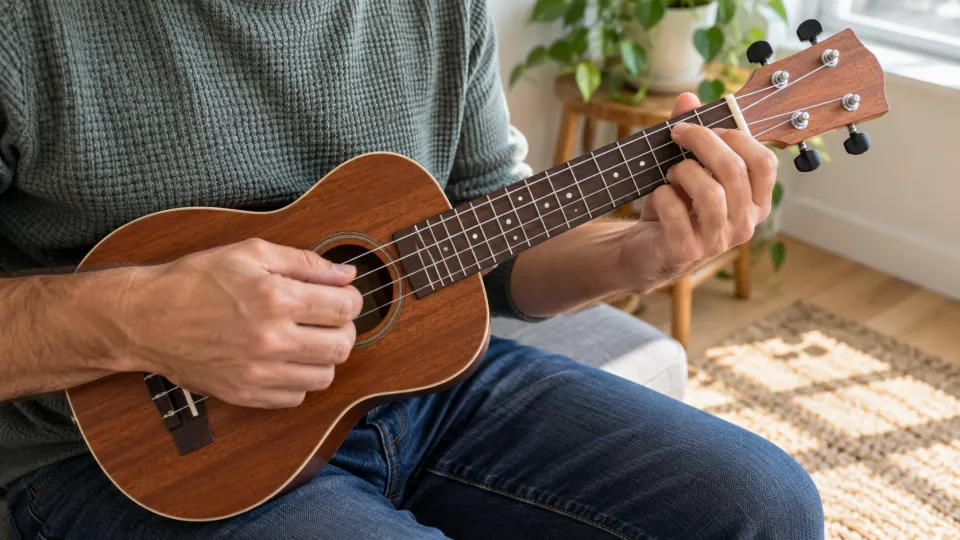
Choose a demonstration where you can see the strumming hand and hear the rhythm. Count “1 and 2 and 3 and 4 and”; mark which strokes hit the strings and which pass silently while the up-and-down motion continues. A visible downstroke or upstroke does not always make a sound. Confirm the chord attack by ear. If an entry falls on the “and” of beat two, start the loop before beat two so your hand has time to enter with the pulse.
For a chord change, identify the time between the last sound of the old chord and the first sound of the new one. Keep the strumming motion going while the fretting hand prepares. If the pulse stops, include both chords and a little time on each side of the change in one loop. Restore the full pattern only when the transition is steady.
Match fingerpicking to the score and sound
The separate TAB shows the first four bars of Twinkle, Twinkle, Little Star for high-G G–C–E–A tuning; check those open strings with the online tuner before playing. The TAB lines read A–E–C–G from top to bottom. C and G use open strings, F is at fret one of the E string, and D at fret two of the C string. The final notes in bars two and four last two beats.
Listen to the melody before checking which right-hand finger plucks each string and when the left hand prepares the next note. If the camera hides a string, find a clearer demonstration rather than guessing. Loop one picking change, then check whether the melody still connects at normal speed. Low-G tuning changes the pitch of the open G string; don't assume this high-G TAB transfers unchanged to every instrument.
Secure a short loop, then rejoin the song
- Choose one problem for this pass: a silent stroke in the strumming pattern, a chord-change timing point or one picking transition.
- Start before the preparation. A loop beginning on the mistake leaves no time to prepare either hand. Move the start back a beat and finish after the first settled beat.
- Widen the loop. Connect two bars, then the passage. Raise the speed only while the rhythm and tone stay clear; gradual speed training explains a separate way to do that.
Practice Mode keeps this video's loop range and last-used speed, and you can name different loops. Actual elapsed playback time enters the video's practice record. The app neither listens to which string you pluck nor grades how cleanly you fret a chord. For a fuller process, see how to practise with YouTube videos.
What is free
You can loop, slow, save loops and record practice for an embeddable YouTube video without signup. Some videos cannot be embedded and available speeds depend on YouTube's player. The demonstration uses a video you choose, not the illustrative image shown here.
FAQ
Why does the strumming hand move when I hear no chord?
It may be a deliberate silent stroke that preserves the motion and beat. Count first, then mark only the strokes that actually sound.
Can I play the illustrative TAB with low-G tuning?
In low-G tuning, the open G string sounds an octave lower. The G notes in this high-G example will not sound at the shown pitch, so adjust the fingering before using it.
Should I practise only the fretting hand if chord changes stop my strum?
Learn the shape separately if needed, then keep counting and moving the strumming hand while both hands work through the short transition loop.
Does this work with fingerpicking videos too?
Yes, when the video allows embedding. Loop the short picking transition and use what you can hear to check its timing.
Choose a ukulele demonstration with clear hands and sound. Loop one strum, chord change or picking difficulty, then join it back to the phrase.