Stairway2Fast
FOR ANY SKILL WORTH PRACTISING

Turn any video into deliberate practice.

Loop the hard sections, slow them down, and watch yourself climb the speed ladder week after week. Works with YouTube or your own video files.

No signup, no credit card. Full practice tools — free.

Lifetime
7h 38m
Songs
24
7 days
4h 22m
Practice Stairway
last 12 days
Each step is one day's climb.
Each day's medal = time practised: 🥉 5m🥈 10m🥇 30m💎 1h🏆 2h rest day
Today by category
Guitar Lessons38m
Fun Practice7m
My Library3m

Open any video. Make it a practice loop.

Drag to frame the hard section, drop the speed, and it loops there until you've got it. Every control is built for repetition, not for watching.

Practice player
1.00×
Loop 0:00 + 4:35 + 🗑
Speed 1.00× +
Auto 📑1 📊
Mark start Mark end
What you can adjust
🎯
Loop — Build, then Grind
Mark a start and end to frame any section. Build roams free; Grind locks the playhead inside.
🐢
Speed — 0.25× to 2×
Fine steps near 1×, pitch kept correct so slow practice still sounds right.
🏋
Auto-ramp slow → fast
Set reps and a bump per rep — it climbs the tempo for you while you play.
📑
Named loops
Save Intro, Bridge, Solo — one tap to jump between the sections of a song.
Mirror & stats
Flip the video to match a mirror, and open per-section stats any time.
⌨️
Keyboard shortcuts
Space, ← →, and 0–9 for speed — it feels like a practice tool, not a video player.

Bring the videos you already learn from.

Paste a YouTube link, import a whole playlist, or drop a file straight off your device. Nothing to upload to a shared library — your videos stay yours.

https://youtube.com/watch?v=fWkkchYEssU

Or paste a playlist URL to import every video at once.

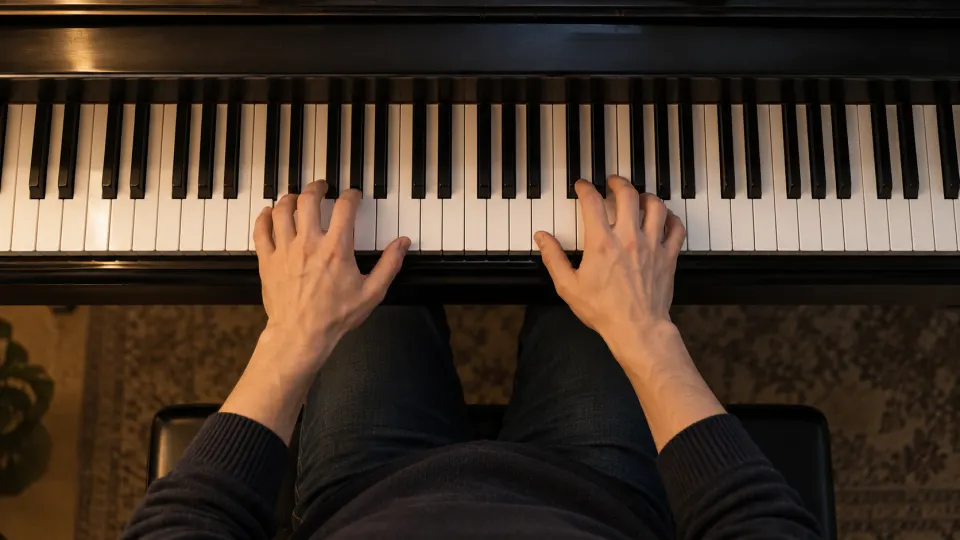
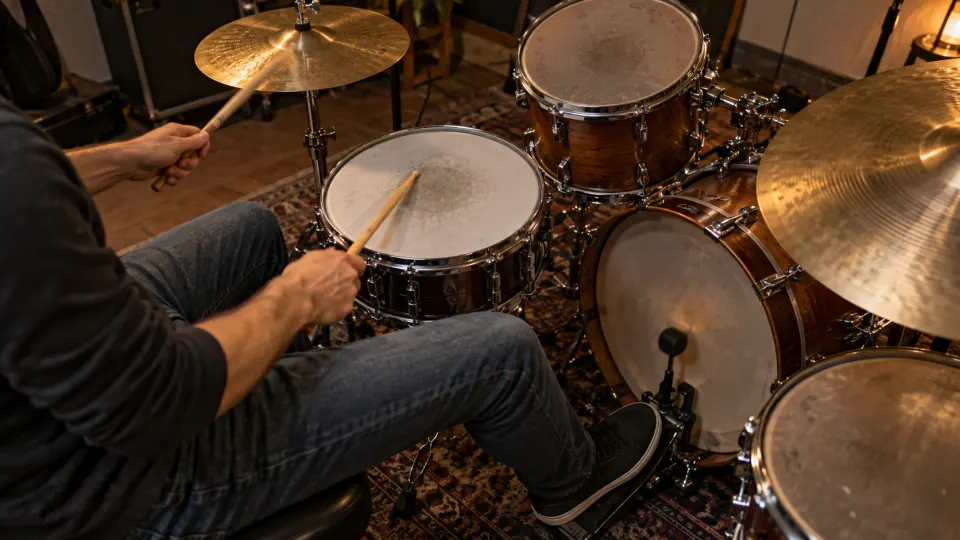
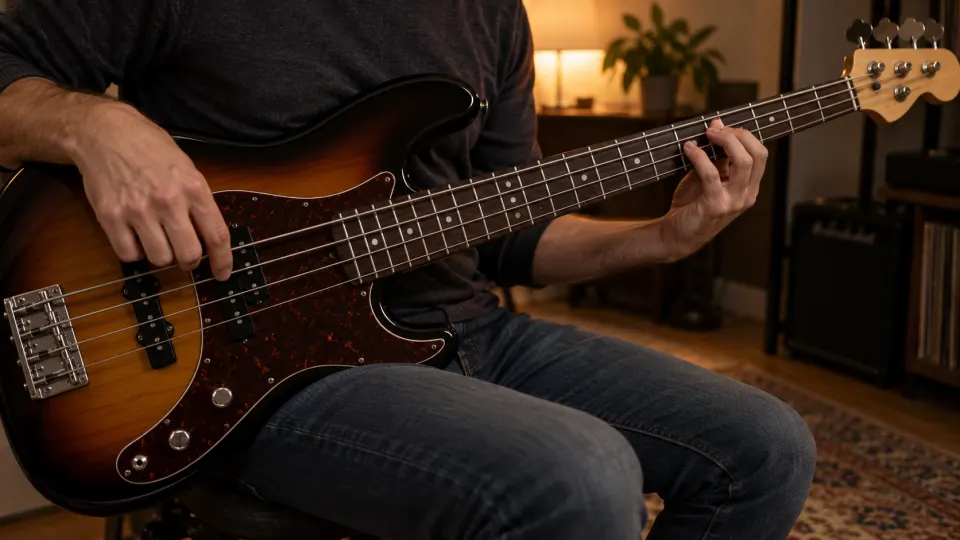
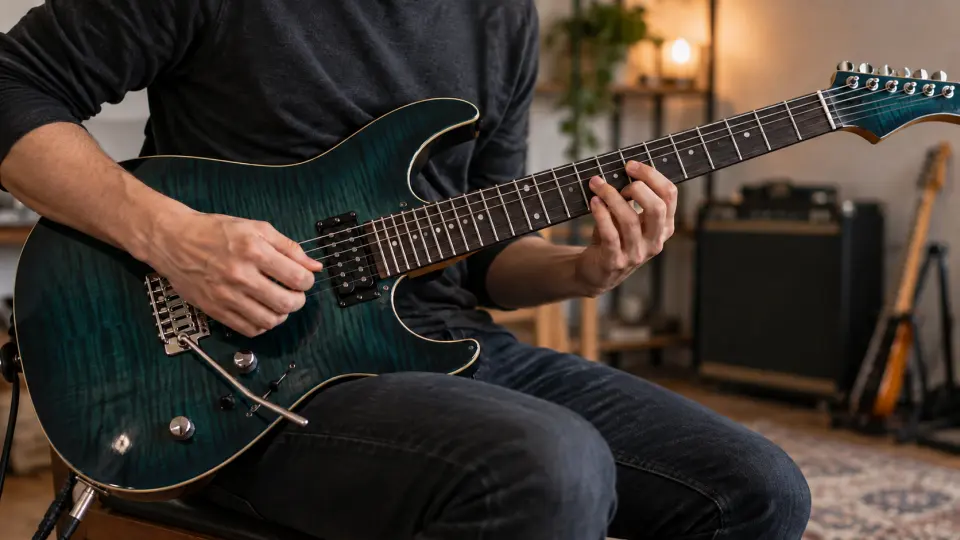
The same loop-and-slow mechanic works for any motor skill
Guitar Piano Dance Drums Violin Bass Voice + anything you can record
PRACTICE DATA — YOUR MOAT

Every video remembers
how you practised it.

Streaks reward showing up. Stairway2Fast records the speed you practise each section at — so you can see the day you broke through 0.8× on the solo, not just "you practised today."

  • Saved loops — the exact sections of the song you work on.
  • Speed stairway — time spent at every tempo, tier by tier.
  • Spots & medals — where your time went, and the tier you earned.
Canon Rock — JerryC
Guitar Lessons
44 min
Total practice
7
Days touched
2 weeks ago first played last played yesterday
Spots
1 spot
Sweep section 🥈 SILVER
0:42–1:58 · 43 min · 133 sessions
🥉
🥉
🥈
0.6×0.7×0.75×0.8×0.85×0.9×0.95×
+1 tiny speed hidden (< 1 min total)

Spots are auto-grouped from where you've practised — overlapping sessions (within ~50%) merge into one card, and a spot shows your saved loop's name when it matches one.

Speed stairway
9 speeds · 44 min
🔒 0.6× LOCKED 2 min
🔒 0.65× LOCKED < 1 min
🔒 0.7× LOCKED 1 min
🥉 0.75× BRONZE 21 min
+ 5 more speeds up to 1×

Celebrate it. Share exactly what you choose.

Two kinds of sharing, never mixed up: post your week as a recap image, or send a friend the precise loop and speed you've been drilling. Nothing else leaves your account.

Share your day or week

Tap “Share image” → a portrait to post: your time, your climb, and every song at the speed you played it.

Daily recap
Thu, May 28
41 min
4 songs · best day this week
Biggest climb
Canon Rock · 0.7× → 0.9×
What you played
🥈 Canon Rock0.7→0.9×
12m
🥉 Stairway intro0.8→1×
9m
🥉 Fantaisie-Impromptu
7m
📷 Share image
@mia_guitar stairway2fast.com
Send a friend or group — your practice loops
🔗
Share this video settings
Canon Rock — JerryC
×
Practice sections to share
Intro 2% – 9%
Auto 0.6× 0.7× 0.8×
Sweep section (now) 14% – 43%
Note (optional)
e.g. Practice the verse 10×, then try the solo at full speed
0/500
Who can open this link
Anyone with the linkPublic — needs a signed-in viewer
Specific friends3 in your list
Pick who can open (2 selected)
All friends
Band (3) Duo (2)
Mia Chen @mia_guitar
Leo Park @leo_drums
Sara Lin @sara_piano

Your practice stats are never shared — the recipient builds their own.

Cancel Create share link

Your library follows you. Your data stays yours.

YouTube

Paste any link or playlist. We don't block ads — if you have Premium, your ad-free YouTube carries over in the same browser.

Local files

A video or audio file off your device, looped with the same tools. Stays in your browser — never leaves unless you turn on sync.

Cross-device sync

Sign up (free) and your library + practice history follow you from laptop to phone to tablet.

Your videos stay yours. We never host content publicly. No shared library, no scraping, no copyright drama.

Common questions

Do I need an account?
No — open the app and start practising as a guest. Your library and practice history live in your browser (IndexedDB). When you sign up, everything migrates to your account so you don't lose anything.
Why not just use YouTube's built-in loop?
YouTube's loop is a single coarse region that resets when you close the tab. Ours lets you save named loops (intro, bridge, solo — one tap to switch), auto-ramp from slow to full speed, and see per-section stats so you know the solo took 45 minutes and climbed from 0.7× to 0.9×. Keyboard shortcuts make it feel like a practice tool, not a video player.
Does it really work for things other than guitar?
Yes — the player, loop controls, speed ramp, and Stairway Stats are completely instrument-agnostic. Loop a piano scale, a dance 8-count, a vocal phrase, a drum fill, a language-shadowing drill — same mechanic. The "Examples" set that ships with every new account spans eight different instruments to make the breadth concrete.
Is my practice data private?
Yes. There's no public feed, no leaderboard, no streak-pressure social. Friends only ever see what you explicitly send — a single practice loop, or a recap you choose to post. Never your whole history by default. See our Privacy Policy.
What does it cost?
Open the app free — no signup, no card. Sign up (also free) for cross-device sync and all the practice tools. A paid Pro tier is coming for power features like cloud-mirroring your own uploads; the upgrade only ever appears when you reach for what it adds.
Does it work on mobile?
Yes, with the best experience on desktop or iPad in landscape — the loop slider and speed controls love a wider screen. Phone works too (install as a PWA from the share menu), just expect a tighter layout.

Stop watching tutorials. Start practising them.

Open it in your browser. No signup, no credit card.

Start practising