Practise bass with video: hear the notes, hold the groove
The hard part of a bass line is often when a note starts and stops, not how many notes it contains. Choose a video where you can hear the rhythm and see the hands. Loop the bar where you rush, drag or miss a position shift, then slow it down. Playing the part yourself and checking it against the next pass is more useful than chasing the whole video.
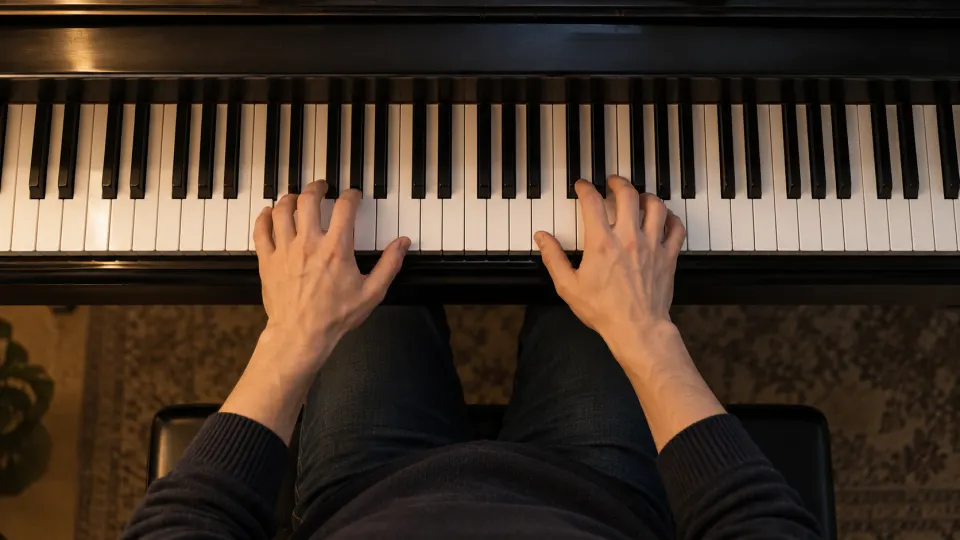
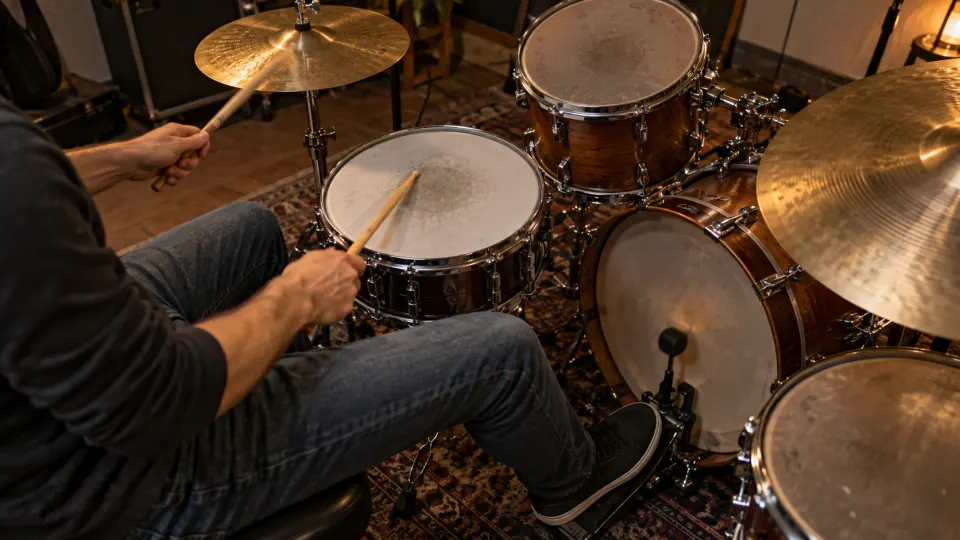
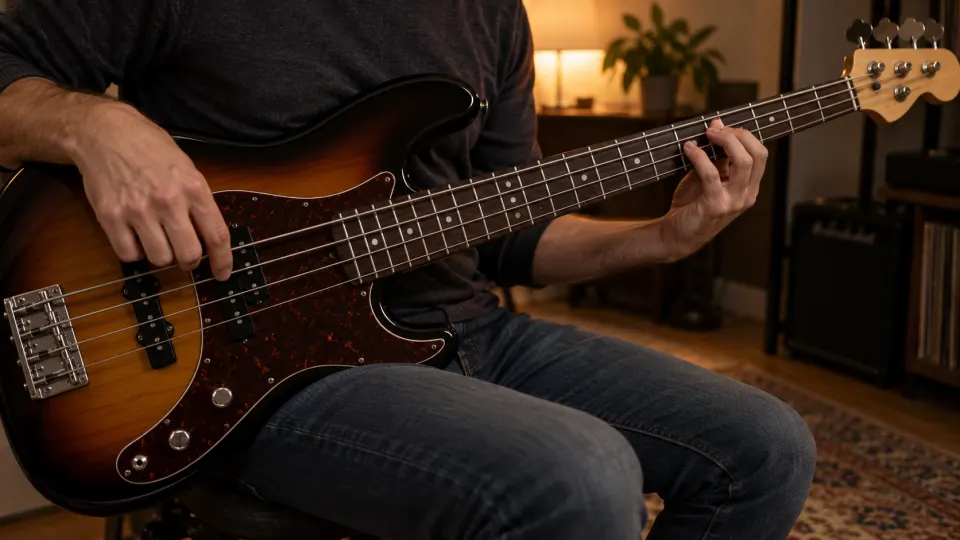

Find the bass and drums' shared landing points
Before practising, use the online tuner to check a standard bass's E–A–D–G open strings. Then look beyond the fret number: with drums, hear where bass and kick or snare meet. Without drums, count the beats or use a metronome. Slow playback can reveal the order of attacks, but a very slow version will not preserve the feel of the original groove; return to a steady, playable speed.
The illustrative TAB adapts the repeating Canon in D bass line—D, A, B, F♯, G, D, G, A—for standard E–A–D–G four-string bass. Each note falls on a beat in the example. When you repeat it, attend to both the attack and the release.
Include the time needed for a shift
- Begin before the move. If a string crossing or position change arrives late, start the loop on the preceding beat. Practise releasing the old note, travelling and sounding the new one—not just the landing.
- Listen to the release. Does a note stop with the snare or ring into the next beat? Right-hand muting, a lifted fretting finger and open-string control can all change that boundary. The correct fret alone does not fix a trailing note.
- Rejoin the phrase. Once a short loop is secure, widen it to two or four bars. Check that the return to beat one keeps the same note lengths and dynamics.
For syncopation, count “1 and 2 and 3 and 4 and” and mark whether the bass enters on a number or an “and”. A finger moving in the frame is not necessarily the instant the note sounds; judge the attack by ear. You need not copy every player's fingering, either: hand size, string spacing and the following note affect sensible position choices.
Watch the movement, but keep listening
A clear close-up may show alternating plucking fingers, the moment of a shift or how an open string is muted. Don't infer what the camera misses. Pick one question for each pass: attack, release, crossing or shift. Practice Mode keeps this video's loop range and last-used speed in your browser; you can name separate loops for different problems.
Actual elapsed playback time is recorded for this video in your practice record; slowing a video does not count its original duration as extra practice. For gradual acceleration, see speed training. For the loop controls, see loop and slow a YouTube passage.
Free practice and the audio-track boundary
Looping, slowing and saving a loop for an embeddable YouTube video are free without signup. Uploading your own audio or video is free with a free account. Available speed settings and embedding depend on YouTube's player. The app does not download the video or extract its bass audio. If you have a song file you have the right to process, separating it into tracks and then soloing or muting its bass requires Pro; see track separation. That is separate from this free video workflow.
FAQ
What if I cannot hear the bass clearly in the video?
You may still observe hand positions, but don't treat a visible movement as proof of exact timing. Find a clearer demonstration or use a local file you have the right to process.
Why am I late at every position shift?
Move the loop start to the beat before the shift. Count steadily and practise the entire release–move–attack sequence.
Should I practise the line without the drums?
That can help you check notes and movement. Then return to the drums: a bass line also needs accurate attacks, note lengths and accents.
Pick a bass demonstration with clear hands and rhythm. Loop one shift or syncopation, secure its attack and release, then play it within the whole groove.