Practise piano with video: hands separate, then together
Learn one short phrase before joining it to the whole piece. A piano video can help you see a fingering change, a left-hand leap or where the hands meet. Choose a demonstration you can both see and hear. If YouTube allows it to play in an embedded player, Practice Mode lets you loop and slow that passage without downloading it.

Know what the video can show
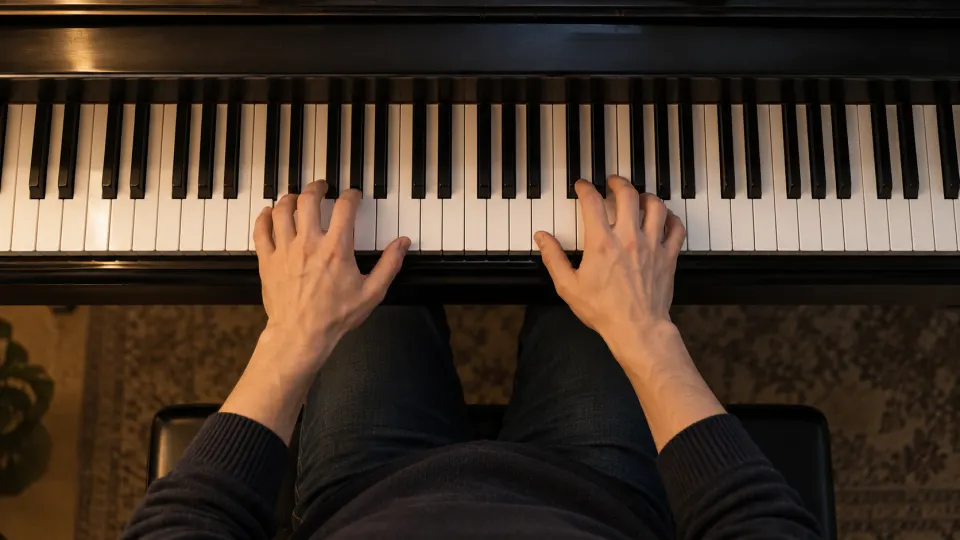
Footage of the keyboard and both hands may reveal hand position, fingering changes and direction of travel. Don't guess a fingering that the camera misses. A falling-notes animation shows which keys sound and when, but may not show how a player assigns fingers. Listen to the notes and rhythm first, then choose a fingering you can repeat comfortably. A video is a reference, not the only correct fingering.
If the demonstration uses the sustain pedal, listen for what is held by the keys and what rings because of the pedal. If necessary, practise the key releases without pedal before adding it back.
Work one hand at a time, then find where they meet
- Start with one hand. Include the note before the difficulty and the first beat after it. With the right hand, listen to note lengths; with the left, watch a chord shape or the landing after a leap. Don't cut away the preparation time.
- Switch hands within the same loop. Watch, pause and play the passage yourself. “Hands separately” means you practise each hand in turn; the app does not split the left and right hands in a YouTube video's audio.
- Join them at shared beats. Slow the video and locate notes that both hands play together. If they keep separating at the same point, shorten the loop to those beats. Once they meet reliably, restore the surrounding phrase.
The two timeline handles adjust the loop; looping and slowing a YouTube passage explains the controls. If you know the passage already and chiefly need to raise the speed, see gradual speed training.
Slow down to hear, not to copy a fingering blindly
Slow playback helps reveal the order of notes, although very low speeds change how a phrase feels; see slowing music without changing pitch. After a short phrase feels secure, widen the loop and return towards the original speed. If your wrists tense or the notes turn uneven, return to a speed you can control.
Practice Mode keeps the current loop range and last-used speed for this video in your browser. You can save and name separate loops for different difficulties. Actual elapsed playback time and speed are recorded against the video in your practice record. The app does not listen to your piano playing or assess your notes or fingering. For the whole workflow, see how to practise with YouTube videos.
What is free, and what a video cannot do here
Looping, slowing, saving loops and recording practice are free without signup. Uploading your own audio or video is free with a free account. YouTube supplies its own embedded player: some videos cannot be embedded, and available playback speeds depend on that player. The app does not download a YouTube video or create a score from it.
FAQ
Can I practise with a falling-notes piano video?
Yes, if YouTube allows it to play here. It can show pitch and timing; use footage of real hands or another reliable reference if you need to study fingering.
What if a piano tutorial will not open here?
Some YouTube videos cannot be embedded. Try another demonstration that allows playback in YouTube's embedded player.
Choose an embeddable piano demonstration. Loop one leap, fingering change or hand-to-hand connection; learn it separately, then reconnect the phrase.