Learn a language with video, one spoken sentence at a time
Choose a short exchange you want to understand and say aloud. Listen once at normal speed without captions: what is happening, and what does the speaker seem to mean? You do not need every word yet. Then loop one sentence you missed, leaving a little of the preceding speech and the ending so you can hear how it fits the exchange.

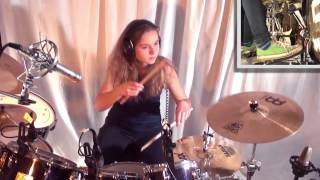
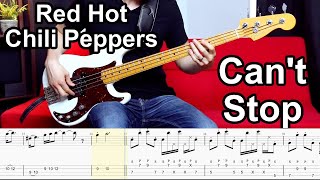
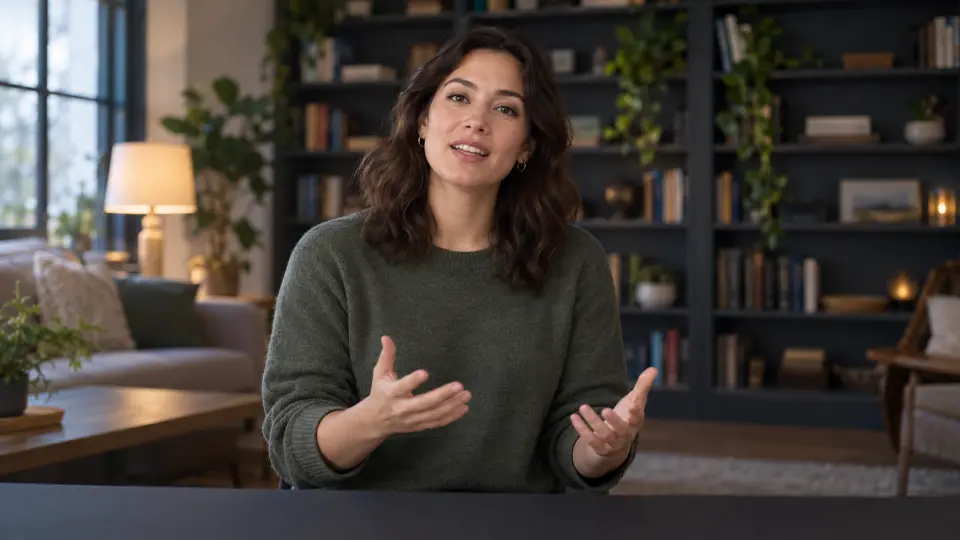
The illustration uses a video, but your material can also be an audio or video recording you made, or a teacher's example you have permission to use. Add the local file to My Files with a free account, then loop and slow a sentence with the same Practice Mode controls. An embeddable YouTube video can be practised without signing up.
Stays on this device by default — the file only goes to the cloud if you mirror it to your account (Pro), or ask Solo to separate it.
Understand a sentence, then practise how it sounds
Replay the unclear sentence a little slower. Listen for where words join, which words stand out and where the speaker pauses. If you still cannot make it out, note what you heard first, then check the video's existing captions if it has them. Captions can be inaccurate, so use them as a clue rather than a final answer. If music masks the speech, choose a clearer clip instead of slowing it indefinitely.
Once you understand the sentence, loop it several times at normal speed to hear the speaker's stress, linked words and intonation. Speak just behind the voice as it plays; then pause, say it alone and listen again for differences. Slow playback only if a detail is hard to hear, because it can change the sound of the voice. Return to normal speed to model the speaker's delivery.
You can also replay your own recording: loop a sentence, slow it to hear where you swallow a word or pause, then compare it with a teacher's example. If you cannot keep up yet, shorten the range or choose clearer speech rather than rushing through every word. Widen the loop to the surrounding exchange once the sentence feels familiar.
Make a small, repeatable listening session
Save a named loop for a sentence you want to understand or imitate, such as Hard part. The next time you open that material in this browser, Practice Mode remembers the loop range and last speed, so you can start there. Elapsed playback time enters your practice record.
The demo uses a speaking presenter as an illustration. The app provides playback controls, not automatic subtitles, translation, speech recognition or pronunciation feedback. Existing YouTube captions, when available, can be checked in its player; some videos do not allow embedding.
FAQ
Can I repeat just one sentence?
Yes. Set start and end handles around it, leaving enough context to hear the speaker's lead-in and ending.
Can I practise with my own recording or a teacher's example?
Yes. You can add your own audio or video, or a teacher's file you have permission to use, with a free account. Loop and slow your speech, then compare it by ear with the example.
Choose a video or a local recording you may use. Slow a sentence you missed, or repeat and shadow an example at normal speed. An embeddable YouTube clip needs no signup; adding a local file needs a free account.